ClamXav 2.0.5 Public Beta
To celebrate ClamXav's 5th birthday, I have decided to give it the gift of retirement!
Versions 0.8b to 1.1 have served us well but it is long overdue for a complete makeover. So, I have given ClamXav a much needed facelift and have rewritten the entire application from the ground up. So, what are the changes?
- Java is no more. ClamXav is now written entirely in Objective-C
- Launch time has reduced considerably
- The interface is now much simpler to use and more inkeeping with other OS X applications
- You can save your favourite scan locations for easy access
- Toolbar buttons can be rearranged to your heart's content, or hidden entirely
- Infected files are listed more clearly
- You can send selected files to quarantine or trash with one click
- Specifying exclusion settings is now a much simpler task
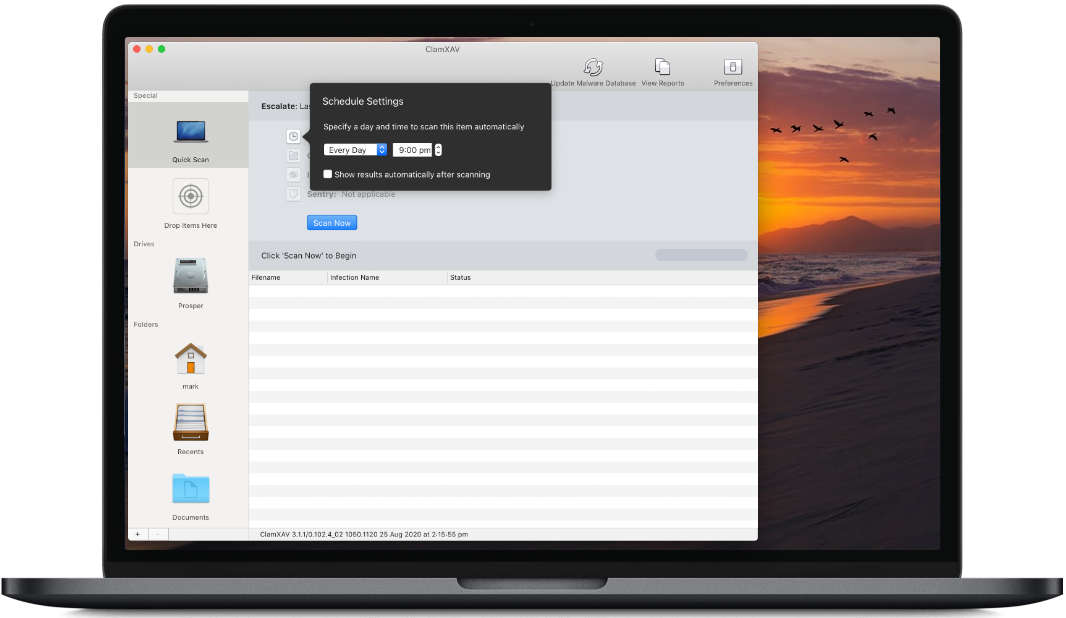
- Setting a schedule is now more straight-forward
- Specifying the location of your own ClamAV installation is now easier
- Updates are taken care of directly within the application, automatically quitting and relaunching Sentry if necessary
- Sentry can be told to monitor sub-folders on a per folder basis
- Sentry no longer requires Spotlight to do the monitoring
- Sentry launches and starts monitoring much more quickly
- Sentry requires far less memory to run
- If a disk or folder is not available when Sentry launches, this isn't a problem any more; monitoring will continue when the folder reappears
- Added compatibility for 10.6 Snow Leopard
Known bugs:
- I still need to write the online documentation.
For OS X 10.4 - 10.6 (Tiger, Leopard and Snow Leopard)
ClamXav 2.0.5 with ClamAV 0.95.3 backend - 19th December 2009
Download (7.1 MB)
If you already have ClamXav 2.0.x installed, please use the "Check for ClamXav updates" option in the ClamXav menu as it simplifies the update procedure.
ClamXav is Universal which means that it will run on both PPC and Intel Macs.
Available in Danish, English, French, German, Japanese, Korean and Spanish.
Previous beta versions still available via the links in the version history below.
MD5 Checksums
The MD5 checksum can be used to check the authenticity of files you download from this website. To use it, open the Terminal (which is inside the Utilities folder), type md5 followed by a space and then drag into the terminal window the file you downloaded, hit return and verify that the number returned to you is the same as the one here.
Note, this will not work if you decompress the archive first. You have to do it on the exact file you download from this website.
md5 for ClamXav_2.0.5.dmg is 847d14440c74964f46fd00ed02cbf5ae
Version History
Version 2.0.5 - 19th December 2009
Added German localisation.
Added option to play a sound at the end of each scan.
Fixed an intermittent bug causing text to appear in ClamXav's console log unexpectedly.
Fixed a bug which prevented pasting text into ClamXav's exclusion settings.
Fixed bug in Sentry causing delays going to sleep in 10.6.
Stability improvements in Sentry particularly under 10.6.
Fixed crash in Sentry which would occur if changing prefs in ClamXav whilst Sentry was running but not actively watching.
Version 2.0.4 - 8th November 2009
Scanning engine updated to ClamAV 0.95.3
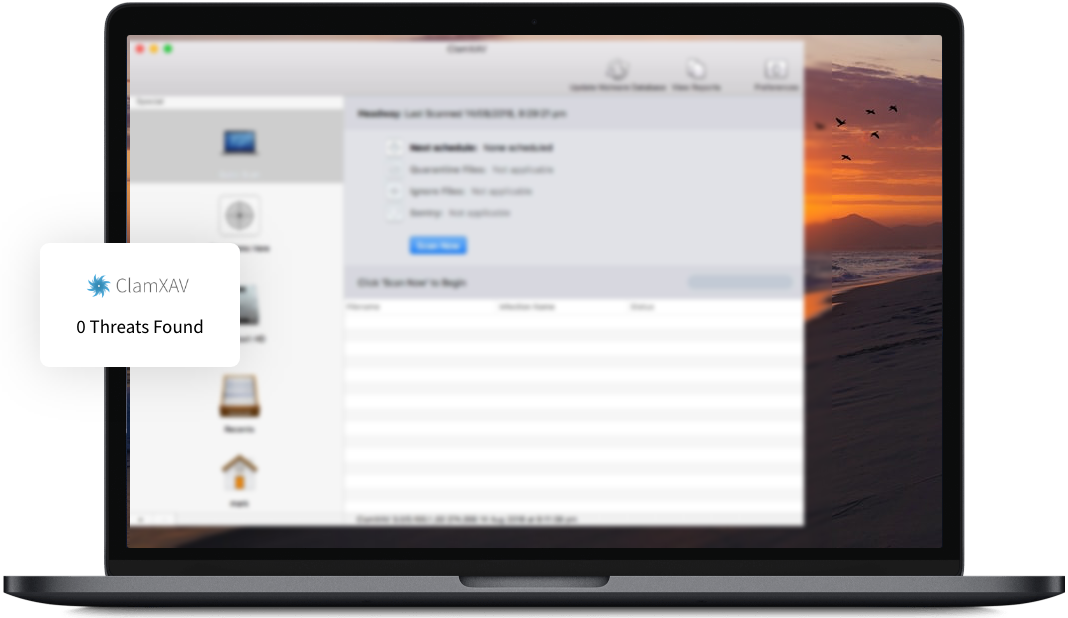
Printing out an extra message at the end of a scan stating clearly whether any infected files were found and what was done with them.
Fixed an issue with Quarantine settings when updating from ClamXav 1.x to 2.0
Fixed the notorious "something unexpected happened" bug in Sentry.
Improved stability in ClamXav Sentry during scans and after waking from sleep.
Version 2.0.3 - 16th September 2009
Fixed an infinite loop caused by having the quarantine folder within the folder you're scanning.
Fixed a problem which could occur if scanning via the Contextual Menu or Services menu in 10.6.1
Correctly clearing out the progress bar after a scan/update.
Changed a default setting to help avoid false positives.
Version 2.0.2 - 13th September 2009
Added a "Scan with ClamXav" item in the Services menu. You must log out and back in again to make this work.
Finder contextual menu "Scan with ClamXav" now available for (10.6) Snow Leopard users. You must log out and back in again to make this work.
Now preventing drag and drop if a scan/update is running.
Added French localisation.
Much better memory usage when scanning large folders.
Ensuring the full summary appears at the end of a scan.
Fixed a crash which could occur during startup.
Fixed a crash which could occur during scans.
Fixed a crash which could occur whilst saving preferences.
Version 2.0.1 - 29th August 2009
Fixed a bug preventing the installation of the ClamAV engine
No sparkle release this time around as the engine install logic is the only change
Version 2.0 public beta initial release - 28th August 2009
© Copyright 2004-2009 Mark Allan